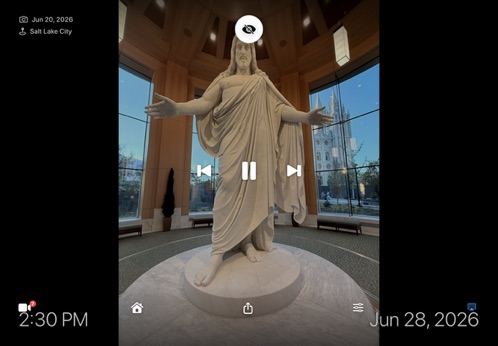
A frame that fades into the background
Tap once for playback controls and a quick-access bar. The rest of the time, it's just your photos — clock and caption included.
For iPad & Apple TV
Vista Frame turns your iPad or Apple TV into an always-on photo frame — with live weather, Apple Music, HomeKit cameras, room-by-room smart-home controls, and guest Wi-Fi in seconds. No accounts. No tracking. Completely private.
Features
Built around the things you actually want on a screen sitting in your home.
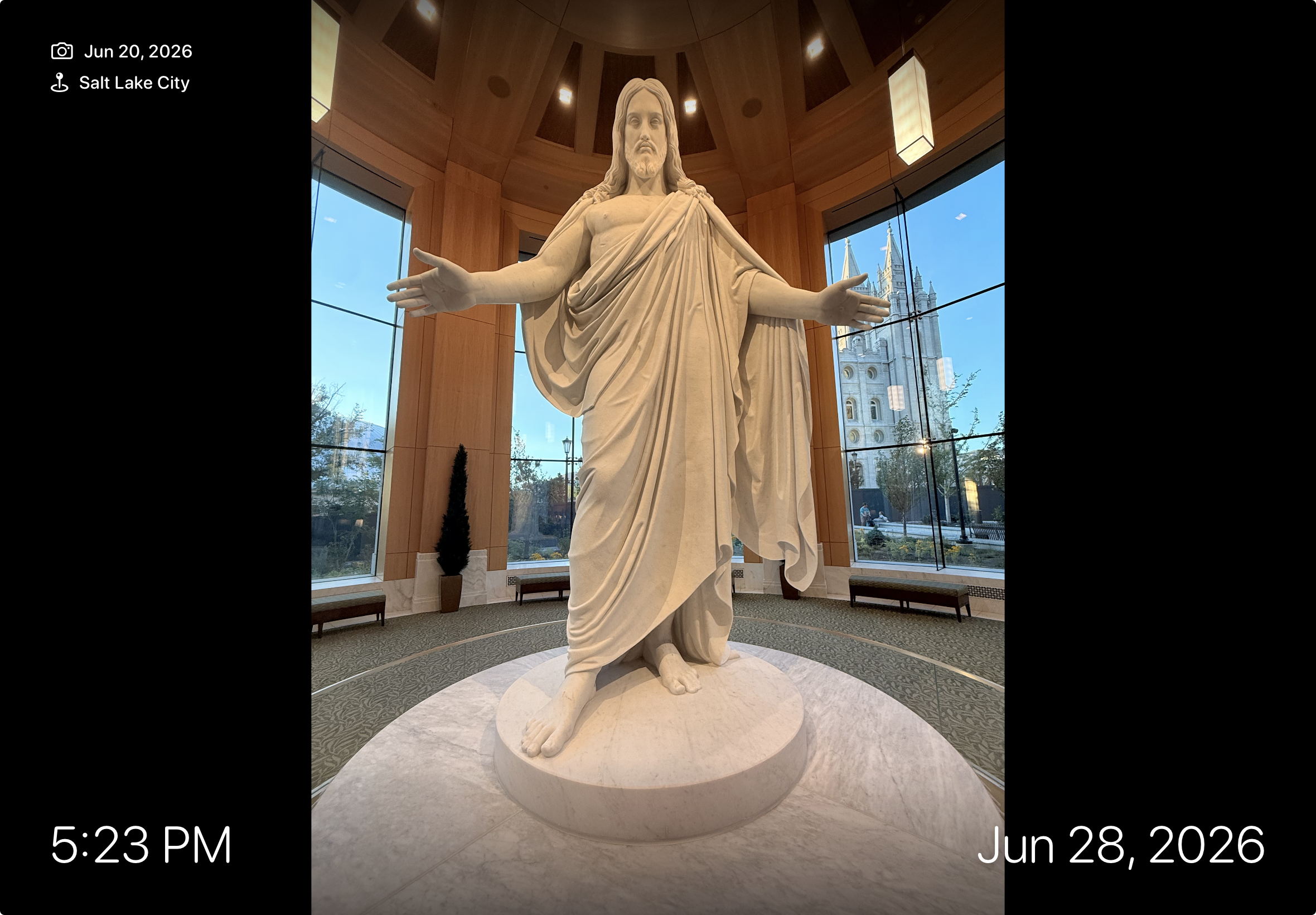
Full-screen photos and videos from any album or your whole library, with shuffle, adjustable timing, and a graceful Ken Burns motion effect.
An elegant overlay shows the time, the date a photo was taken, and the place it was captured — so every memory has context.
View one or all of your HomeKit security cameras live, right from the frame. Tap "Back to Frame" to return to your photos.
Control lights, locks, switches, garage doors, and fans by room. Your whole home, organized on one calm dashboard.
A live weather chip on every photo. Tap it for a full-screen animated weather view — current conditions, 7-day forecast, and more, powered by Apple Weather.
A doorbell or motion sensor can switch the frame to the right camera, then return to your photos automatically after a delay you set.
The full Vista Frame experience on Apple TV. Your photo slideshow, weather screen, and HomeKit controls — all navigable with the Siri Remote.
Search and play any song, album, or playlist from Apple Music right from the frame. Shuffle, repeat, skip, and browse your playlists — no phone needed.
Show a scannable QR code on screen so guests can join your Wi-Fi in seconds. No more spelling out passwords — just tap, scan, and connect.
No accounts, no servers, no analytics. Your photos and HomeKit data never leave your device. Privacy isn't a setting — it's the default.
See It in Action
Tap once for playback controls and a quick-access bar. The rest of the time, it's just your photos — clock and caption included.
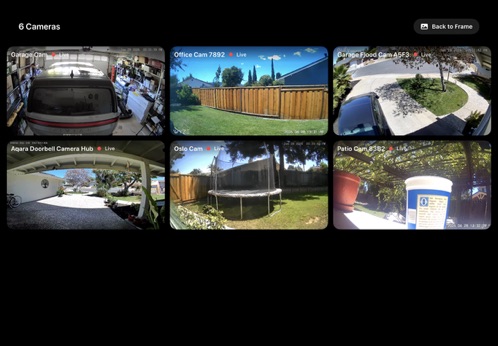
Bring up a live grid of your HomeKit cameras — front door, garage, patio, and more — without ever leaving the room.
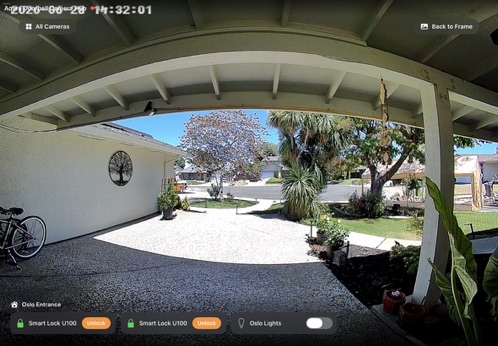
Open a single camera and the controls for that room appear right below it — unlock a door or flip on the porch light while you watch.
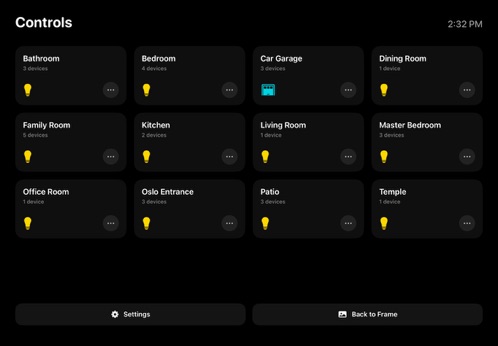
A clean controls screen groups every accessory by room, so the right switch is always exactly where you'd expect it.
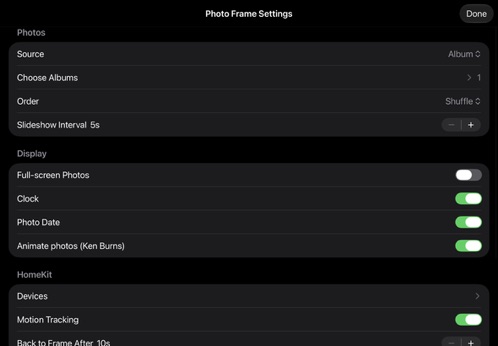
Choose your albums, set the interval, toggle the clock and motion effects, and pick which HomeKit devices appear. Then let it run.
New Platform
Take Vista Frame to the biggest screen in the room. Your photos, live weather, Apple Music, HomeKit controls, and guest Wi-Fi QR — all navigated with the Siri Remote.
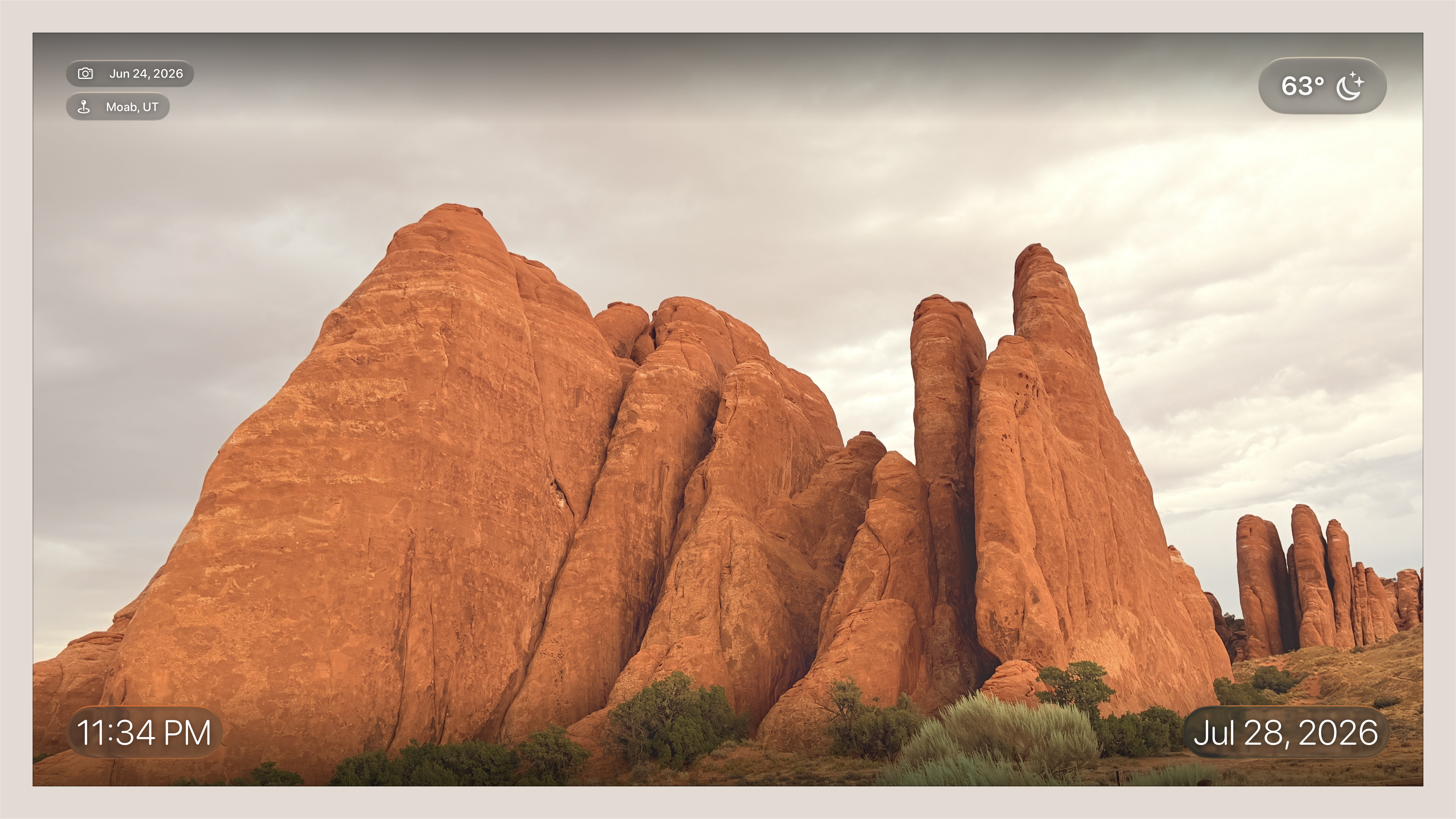
Full-screen slideshow with time, date, location & live weather chip
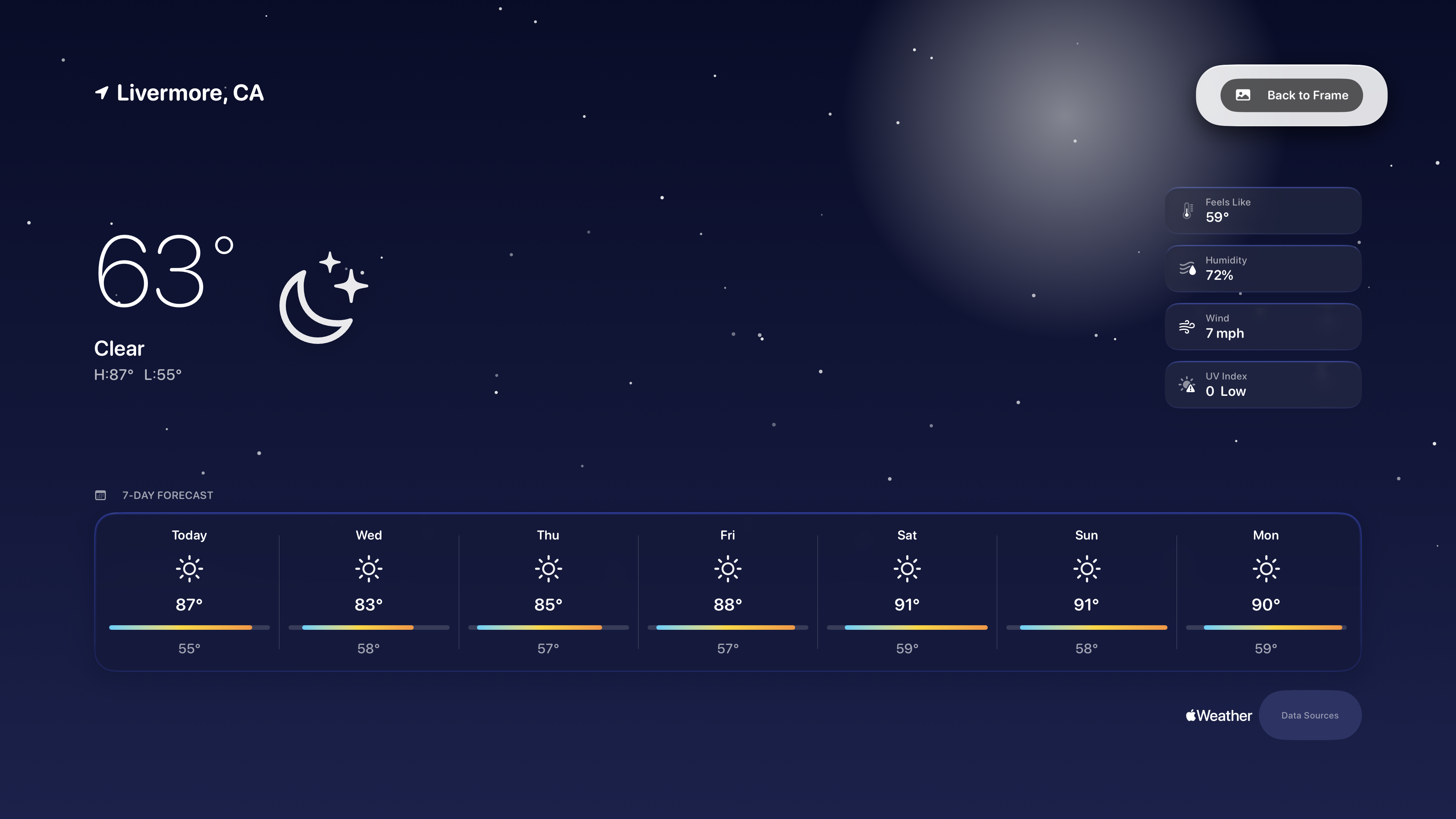
Animated weather screen — 7-day forecast, powered by Apple Weather
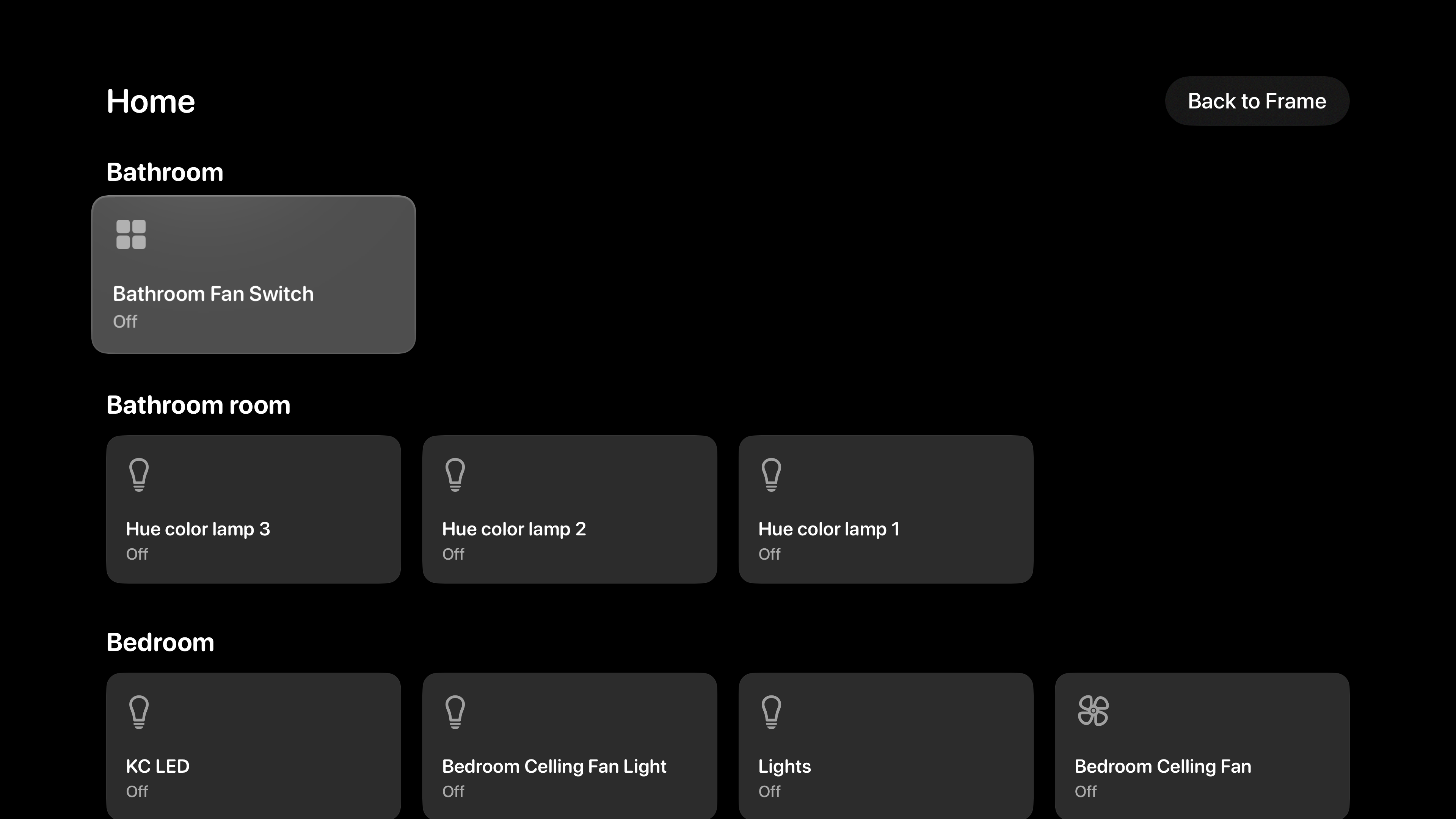
Room-by-room HomeKit controls — lights, fans, locks, and more
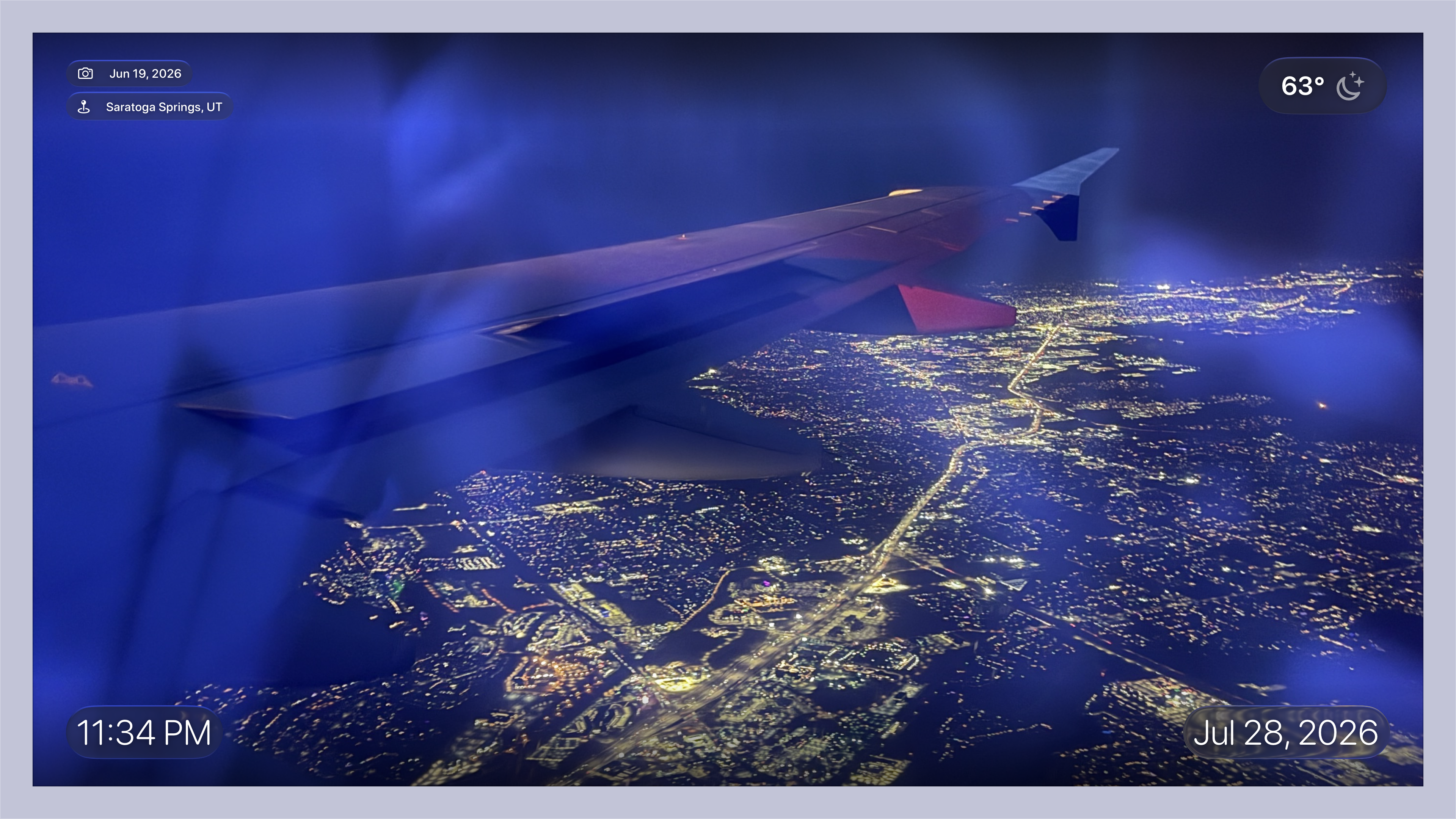
Your memories displayed large — every photo with its story
Privacy